Precision Revit Family Creation, Built to Your Standards
We build parametric, standards-compliant Revit families that behave correctly the first time you load them into a live project.


What is Revit Family Creation?
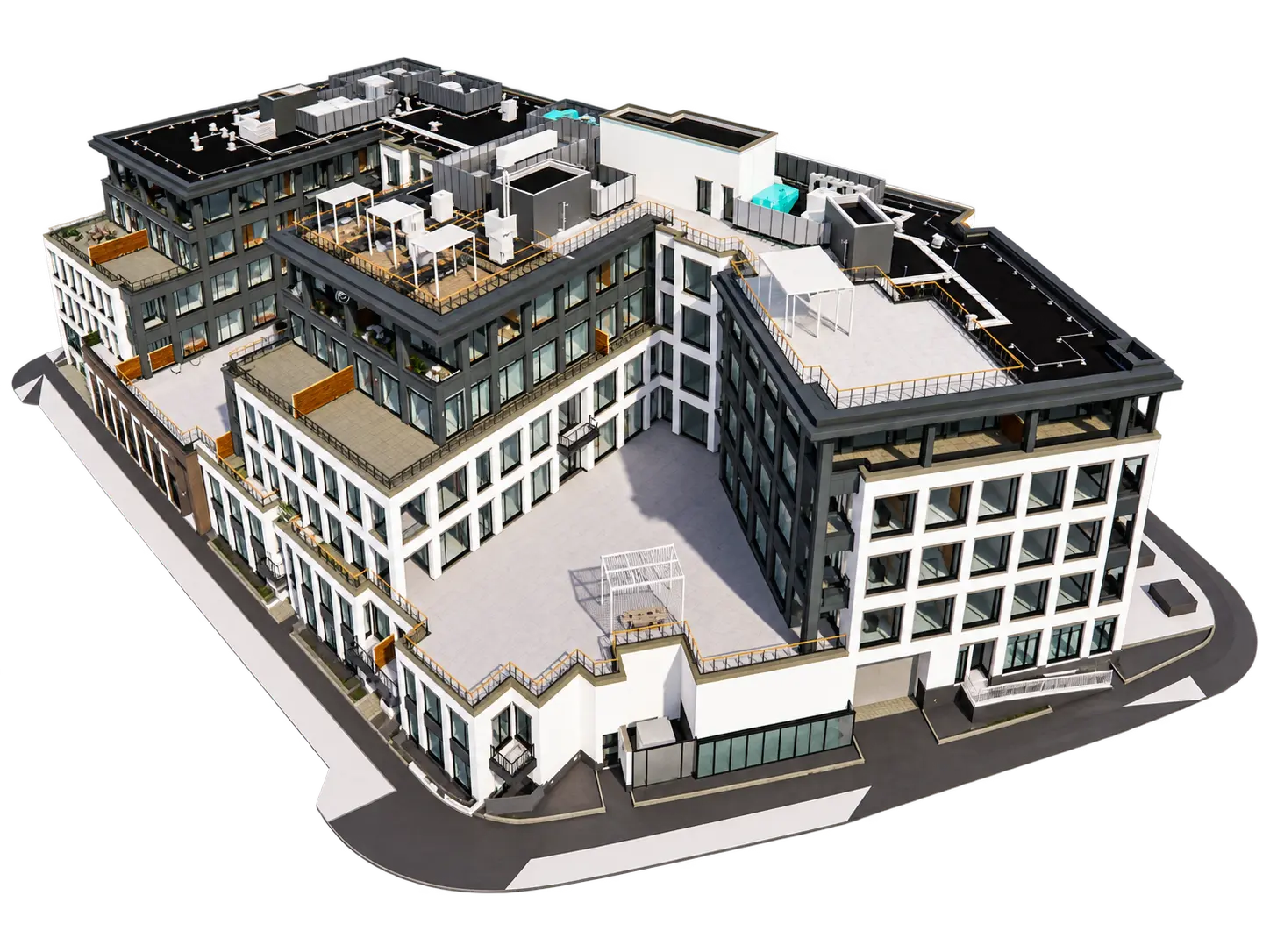
Revit family creation is the work of building the components a Revit model is made of: doors, windows, furniture, light fixtures, pumps and tags. Each Revit family carries geometry, parameters and data, so one object can change size, material or type without being redrawn. A good family behaves the same way in every project it lands in.
BIM Proficient builds those families to your standards. We read your product data or sketches, model the family on locked reference planes, test it through every parameter combination and hand it over with notes your team can follow.
Hire Revit Family Creation Services for Every Category
Pick one category or a full content library. Every family is tested in a live project before delivery.
Architectural Revit Families
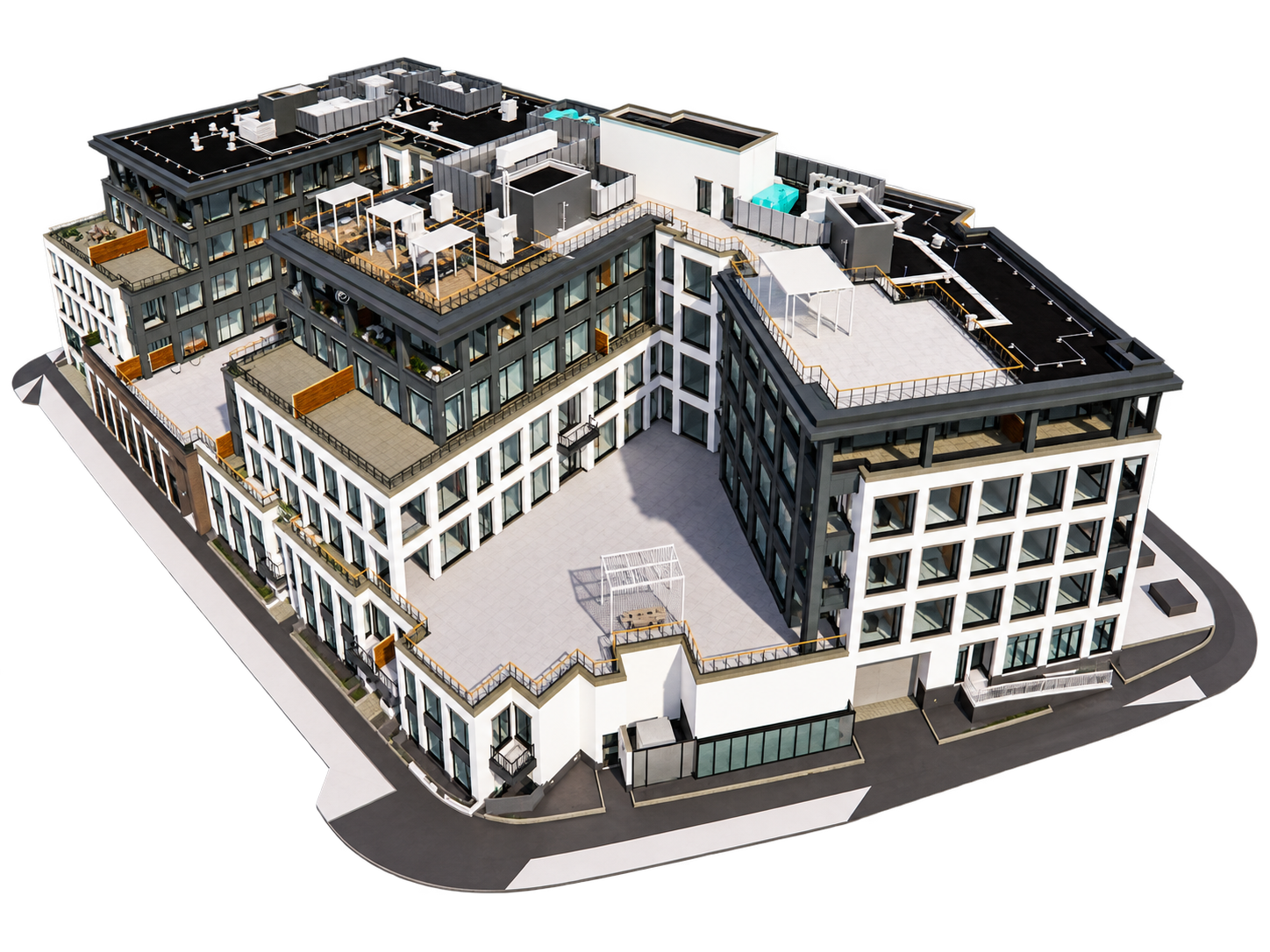
Doors, windows, casework, furniture and curtain wall panels built with the type catalogs and materials your templates expect.
Structural and MEP Families
Steel connections, precast elements, pumps, air handlers, fixtures and fittings modeled with connectors that work in real system routing.
Annotation Tags and Family Revit Templates
Tags, symbols, title blocks and detail items, plus a family Revit template your own team can start from next time.
Our Process for Creating Families in Revit
Creating families in Revit follows the same six steps here, whether it is one family or five hundred.
Brief & Discovery
We review your reference drawings, product data, and existing content standards before any modeling starts.
Planning & Standards Setup
We confirm category, LOD, naming conventions, and which parameters need to flex before building anything.
Family Modeling
The geometry, reference planes, and parametric constraints get built to match real-world dimensions and behavior.
Parameters & Formulas
Type and instance parameters are added and linked with formulas so the family flexes correctly across sizes.
Testing & QA
Each family is loaded into a live project, flexed through its full range and checked for warnings.
Final Delivery
Families arrive with usage notes and a clean folder structure, ready for your Revit library.
Why Firms Pick BIM Proficient for Revit Families Creation
Most teams know how to create a family in Revit. The trouble starts when a rushed family breaks a schedule six months later, and someone has to rebuild it under deadline.

Consistent Content Library
Every project pulls from the same tested families instead of one-off content rebuilt each time.

Faster Documentation
Well-built families drive schedules, tags and views correctly, which cuts manual fixes late in a project.

Lighter Models
Content built to the right LOD keeps file sizes down, so large models stay quick to open and navigate.

Reliable Coordination
Families with the correct category and hosting behave properly in clash checks and cross-discipline reviews.

Freed-Up Senior Staff
Handing off creating Revit families keeps your senior modelers on design work instead of content chores.

Reusable Across Projects
A tested family goes straight into the next job's library instead of being rebuilt from scratch.
BIM Services Across Every Building Type
Sector experience matters. A hospital ceiling void packed with medical gas lines and a warehouse roof with long sprinkler runs are very different problems, so we assign coordinators by building type.


Featured Revit Family Creation Projects
Explore a selection of our Revit Family Creation projects showcasing accuracy, innovation, and value across diverse industries.
No projects found for this service.
Have Questions? We've Got Answers
Find quick answers to the most common questions about our BIM services, project process, and collaboration.
It's the process of building reusable, data-rich BIM objects, like doors, windows, furniture, and MEP equipment, so they can be placed and reused correctly inside a Revit model.
No. Send us a product sheet, a sketch or a CAD file, and we handle the modeling, parameters and testing.
Architectural, structural, MEP and annotation content. Creating families in Revit for every category follows the same testing routine before delivery.
Yes. Share your parameter names, subcategories and line weights upfront and we build to them.
A brief review, a planning call to confirm LOD and parameters, modeling and testing, then delivery with usage notes.
We build in the Revit version your office runs, so families open without upgrade prompts.
Simple families take a day or two. Complex MEP or manufacturer content with type catalogs takes longer, and we give you a timeline before starting.
Ready to Add a BIM Team to Your Next Project?
Send us your drawings, scans or scope. You will get a fixed estimate, a delivery timeline and a named point of contact within 24 hours. Our BIM outsourcing services start at single-project engagements - no retainer or long-term commitment required.
Get a Free Quote
Trusted by AEC Firms Worldwide
Architects, engineers, contractors and developers across the US, UK, Canada, Australia and the Middle East rely on BIM Proficient to deliver accurate, coordinated models on schedule.